
Appearance
Dashboard
The Dashboard is the first page Security users see after signing in. It summarizes what the gateway decided over a period of time, so you can spot trends and the packages that are blocked most often.
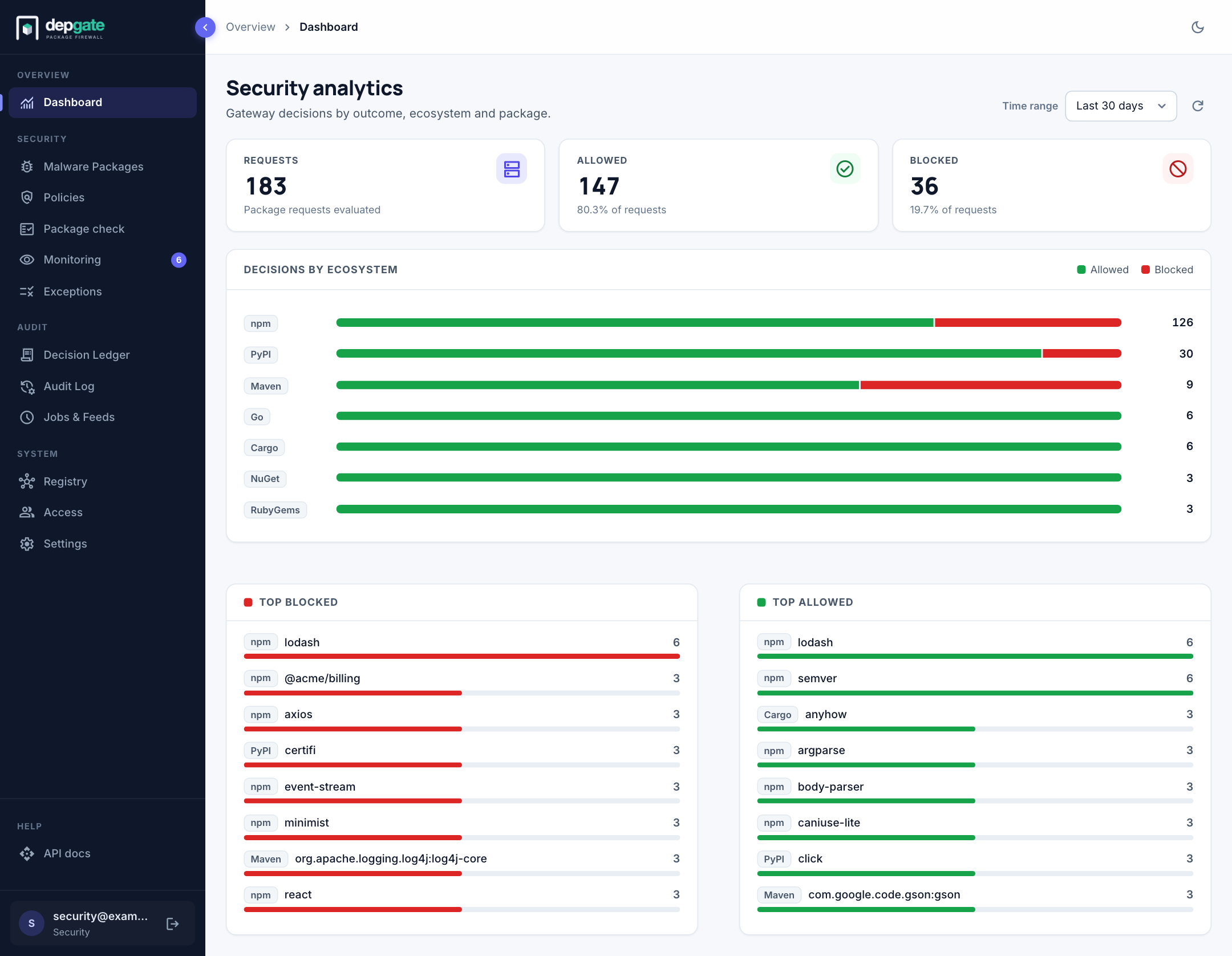
What it shows
| Section | Description |
|---|---|
| Requests | Every package request DepGate evaluated in the period. |
| Allowed | Requests that passed every check, with their share of the total. |
| Blocked | Requests refused by a policy, the malware list or namespace protection. |
| Decisions by ecosystem | Allowed and blocked requests for each ecosystem, as a bar. |
| Top blocked | The packages blocked most often. A package near the top usually means a team depends on something your policies reject: check it with Package check and talk to the team. |
| Top allowed | The packages downloaded most often. |
Use Time range to switch between the last 24 hours, 7 days and 30 days, and the refresh button to reload.
The figures are hourly counts of download decisions. Allowed downloads are counted but not stored one by one; blocks are also kept row by row in the Decision Ledger. New decisions reach the Dashboard within about a minute.
One request for a package file counts once. Files a client reads alongside the package are not counted when allowed: for Maven only the artifact itself (the .jar, .war, .aar and so on) counts, not its POM, checksums or signatures; for Go only the module .zip counts, not .info or .mod. A refused POM or .info still counts as a block, because the client stops there.
Notices
When something needs attention, a notice appears at the top of the Dashboard. For example, when a webhook was turned off automatically after repeated failed deliveries, the notice links to Settings → Webhooks so you can fix and re-enable it.
The Monitoring item in the sidebar shows a badge with the number of policies in monitor mode. See Monitor before enforcing.