
Appearance
What is DepGate?
DepGate is a dependency gateway. It sits between your package managers and the public registries they download from, and decides, version by version, what is allowed into your organization.
Developers and build pipelines point npm, pip, Maven, Go, NuGet, Cargo, Composer or RubyGems at DepGate instead of the public registry. DepGate fetches the package from upstream, checks it against your security policies, and either serves it or refuses it with a clear reason. Nothing reaches a laptop or a build without passing through that check.
Why a gateway
Open-source packages are the largest part of most applications, and the easiest way in for an attacker. A compromised maintainer account, a typosquatted name, or a package that impersonates an internal one can reach thousands of builds within hours. Scanning after installation is too late: install scripts have already run.
DepGate moves the decision to the moment of download:
- Known malware never downloads. DepGate checks every package against a continuously synced feed of malicious packages.
- Risky versions fail with a reason. A blocked download returns HTTP 403 with the policy and the reason that matched, and Package check points the developer at the newest allowed version.
- Your rules apply everywhere at once. One policy covers every developer, every CI runner and every ecosystem you choose.
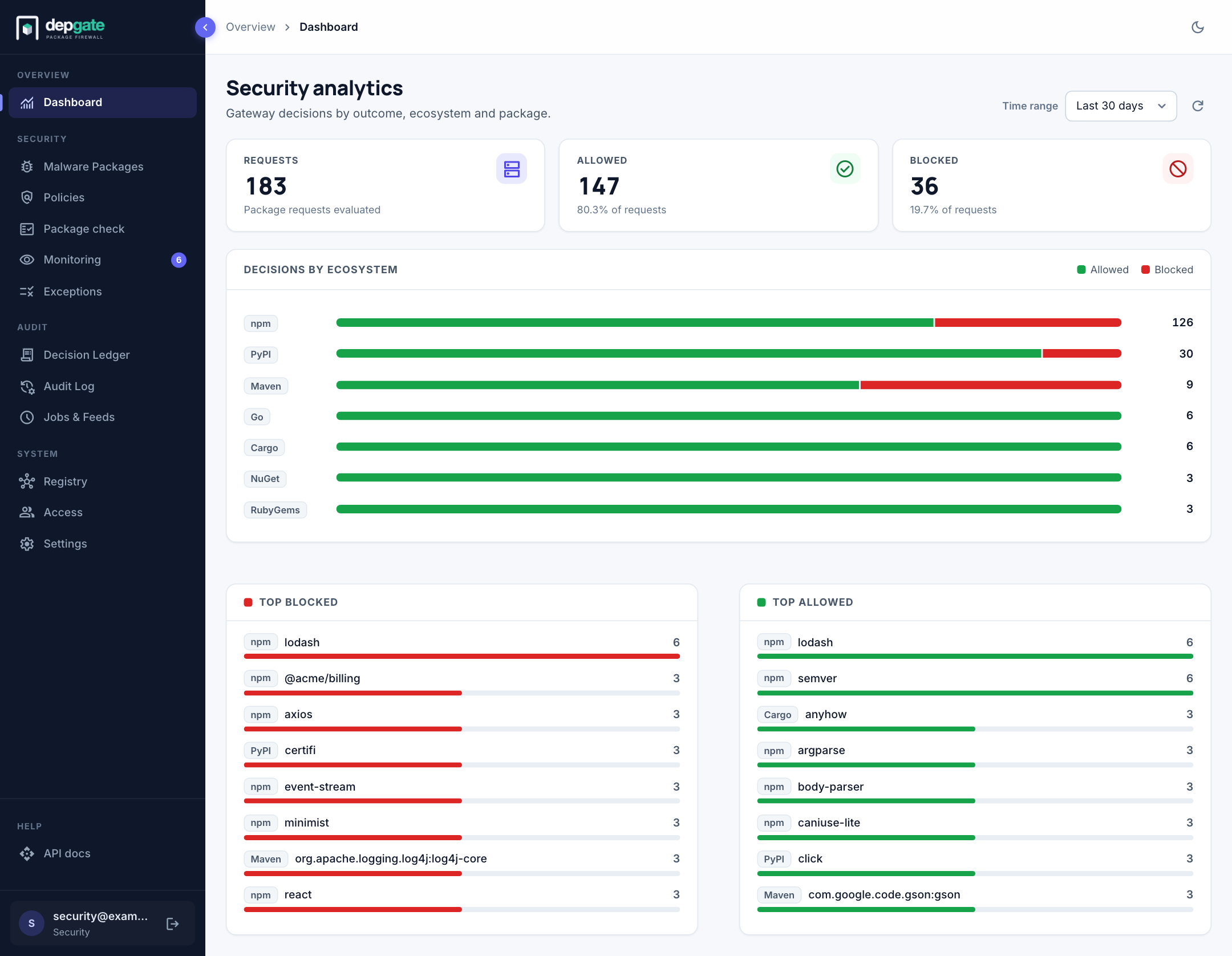
- Every block is recorded. Security and compliance teams can answer "who tried to install what, and which policy stopped it?", and stream every event to their SIEM.
Key capabilities
| Capability | What it gives you |
|---|---|
| Eight ecosystems, one gateway | npm, PyPI, Maven, Go modules, NuGet, Cargo, Composer and RubyGems, each on its own URL. |
| Malware blocking | A synced feed of known-malicious packages, plus your own entries and overrides. |
| Policy engine | Rules for vulnerabilities (CVSS score and EPSS exploit likelihood), licenses, release age, pre-releases, project health (OpenSSF Scorecard) and named packages. |
| Monitor mode | Try a policy on real traffic without blocking anything, then enforce it with confidence. |
| Exceptions and waivers | Time-bound overrides. Developers request them; the security team approves them. |
| Namespace protection | Defends against dependency confusion by serving your internal names only from internal registries. |
| Repositories | Proxy public registries and your internal ones, and combine them behind a single URL. |
| Package check | A self-service page that tells developers which versions they can use, and why. |
| Artifact cache | Package files from public registries kept on local disk, so repeat installs are fast and keep working during a registry outage. |
| Decision Ledger and Audit Log | Every refused download, and every change a person made, with who did it and when. |
| Single sign-on | Sign in with your OpenID Connect or SAML identity provider. Roles stay in DepGate. |
| Log streaming, webhooks and REST API | Stream events to Splunk, Datadog, Elastic, Sumo Logic, Syslog or any HTTP endpoint, send alerts to chat, and automate everything the web interface does. |
Who uses DepGate
- Security teams define policies, review waivers and investigate incidents.
- Platform and DevOps engineers run DepGate, connect internal registries and wire it into CI/CD.
- Developers install packages exactly as before, and use Package check when something is blocked.
- Compliance and legal teams enforce license rules and use the Decision Ledger as evidence.
Deployment model
DepGate is self-hosted: one container image, backed by PostgreSQL and Redis, that runs inside your network, including networks with their own certificate authority and no direct internet access. Architecture shows the components and real-world deployment scenarios, including working alongside JFrog Artifactory and Sonatype Nexus.
Next steps
- Architecture: where DepGate fits, what it stops, and real-world deployment scenarios.
- How DepGate works: the request flow, the order of checks and the main concepts.
- Quick start: run DepGate on one machine and block your first package.
- Requirements: plan a production installation.